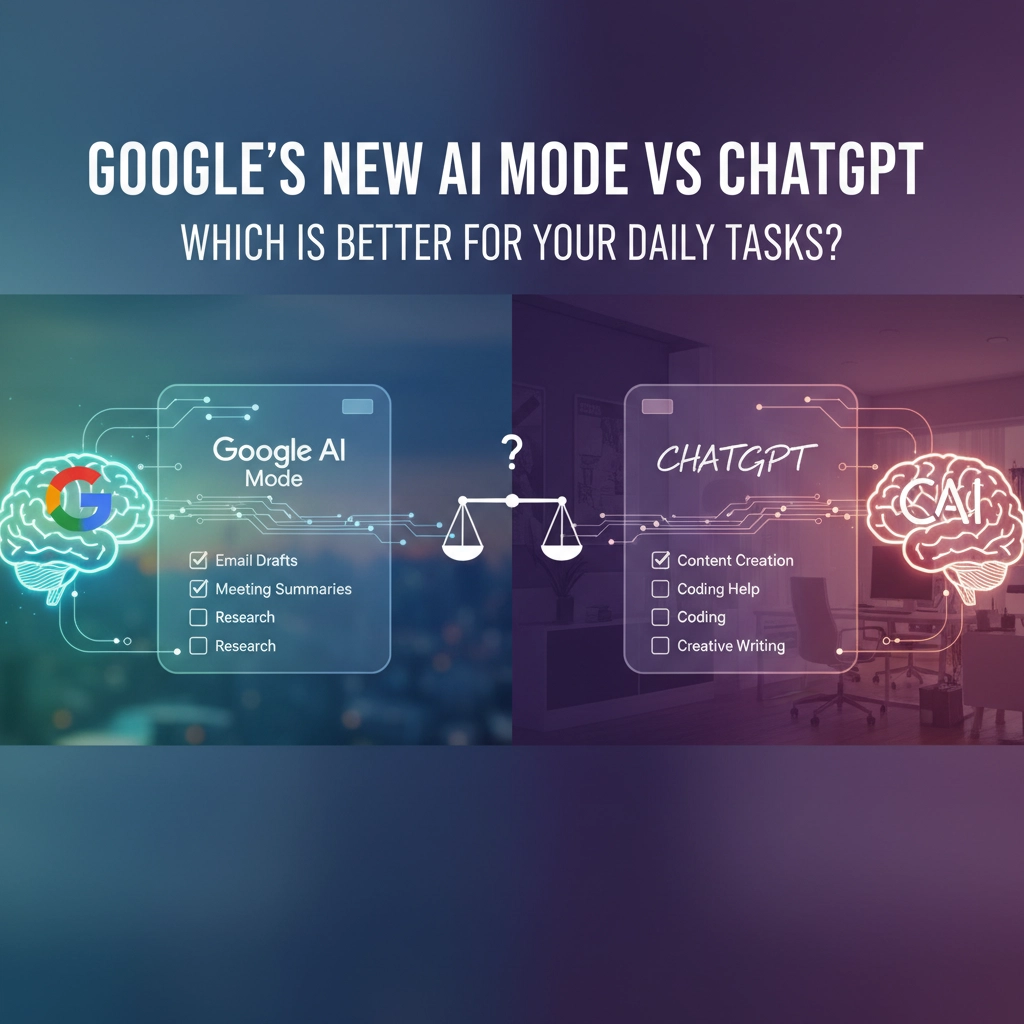
Ever found yourself switching between Google and ChatGPT just to get a complete answer? You're not alone. With Google rolling out its AI Mode powered by Gemini, the battle for your daily AI assistant just got way more interesting.
Here's the thing – both tools are fantastic, but they're built for totally different purposes. Think of it like choosing between a sports car and an SUV. Both get you places, but which one you pick depends on where you're going and what you need to haul.
What Makes Google AI Mode Your Speed Demon
Google AI Mode is basically Google Search on steroids. It's designed to give you fast, accurate answers by pulling from the entire web in real-time.

The magic happens through something called vector embeddings and multi-step reasoning. Instead of just throwing search results at you, it actually breaks down complex questions into smaller chunks and checks its answers against Google's massive index before responding. This means you're way less likely to get those weird AI hallucinations we've all experienced.
Where Google AI Mode absolutely crushes it:
- Breaking news and current events – It's crawling the web constantly, so you get the latest info
- Shopping comparisons – Real-time pricing, reviews, and product availability
- Local searches – "Best pizza near me" actually knows where "me" is
- Quick fact-checking – Perfect for settling those dinner table debates
- Integration with Google services – Maps, YouTube, Gmail all play nice together
The interface feels familiar if you're used to Google Search, but now instead of clicking through 10 blue links, you get a thoughtful summary with sources. It's like having a really smart research assistant who never gets tired.
But here's the catch – Google AI Mode doesn't remember your conversation once you move on. Ask a follow-up question about something from five minutes ago? You might need to start over.
Why ChatGPT Still Rules Conversations
ChatGPT takes a completely different approach. It's built for depth, creativity, and those back-and-forth conversations where you're refining ideas or working through complex problems.

Think of ChatGPT as that friend who actually listens. It remembers what you talked about earlier in the conversation and builds on it. This makes it incredible for tasks that require multiple steps or when you're not quite sure what you're looking for yet.
I was helping my neighbor plan a family reunion last month, and we spent 45 minutes with ChatGPT iterating on the guest list, venue ideas, and budget considerations. It remembered that Aunt Martha was vegetarian, that the venue needed wheelchair access, and that we wanted to keep costs under $2,000. Try doing that with traditional search – you'd have 20 browser tabs open and forget half the constraints.
ChatGPT shines when you need:
- Creative writing or brainstorming – It's genuinely helpful for breaking through writer's block
- Complex problem-solving – Breaking down multi-layered challenges into manageable steps
- Learning new topics – It can adjust explanations based on your background knowledge
- Content creation – From social media posts to business proposals
- Research that evolves – When your questions change as you learn more
The downside? ChatGPT's knowledge can be outdated, and it uses Bing Search for current info, which isn't as comprehensive as Google's web crawling.
Head-to-Head: Daily Task Showdown
Let's get practical. Here's how these AI assistants stack up for the stuff you actually do every day:

For Morning News Catch-up:
Google AI Mode wins hands down. It pulls from live news feeds and can give you personalized summaries based on your interests. ChatGPT might miss breaking stories or give you yesterday's news.
For Work Emails and Communication:
ChatGPT takes this one. It understands context better and can help you craft emails that match your tone and relationship with the recipient. Plus, it remembers details from earlier in your conversation about the project.
For Shopping Decisions:
Google AI Mode is your best friend here. Real-time pricing, current reviews, and availability across multiple retailers. It's like having a personal shopping assistant who knows every deal in town.
For Learning Something New:
This is where it gets interesting. Google AI Mode gives you structured, authoritative information quickly. But ChatGPT can adapt its teaching style, ask clarifying questions, and build on your existing knowledge. If you're just looking up facts, go with Google. If you're trying to truly understand something complex, ChatGPT might serve you better.
For Creative Projects:
No contest – ChatGPT wins. Whether you're writing, brainstorming, or trying to solve a creative problem, its conversational approach and ability to build on ideas makes it the clear choice.
The Real Winner? It Depends on How You Work
Here's what I've learned after testing both tools extensively: the "best" AI assistant isn't about raw capabilities – it's about matching the tool to your workflow and thinking style.

If you're someone who likes quick, authoritative answers and tends to ask one question at a time, Google AI Mode is probably your speed. It's perfect for the "just tell me" moments when you need fast, reliable information.
But if you're a processor – someone who thinks out loud, asks follow-up questions, and likes to explore ideas – ChatGPT's conversational memory makes it invaluable. It's built for the "let's figure this out together" approach.
The smartest move? Use both. Start with Google AI Mode for current information and quick facts, then hop over to ChatGPT when you need to dive deeper or work through complex thinking.
Many power users are developing hybrid workflows: Google AI Mode for research and fact-gathering, ChatGPT for analysis and creative work. It's like having both a reference librarian and a thinking partner on speed dial.
Pro tip: Both tools are constantly evolving. Google is working on better conversation memory, while ChatGPT is improving its real-time information access. The lines between them might blur significantly over the next year.
What's your daily AI workflow looking like these days – are you team Google, team ChatGPT, or are you mixing it up depending on the task?