
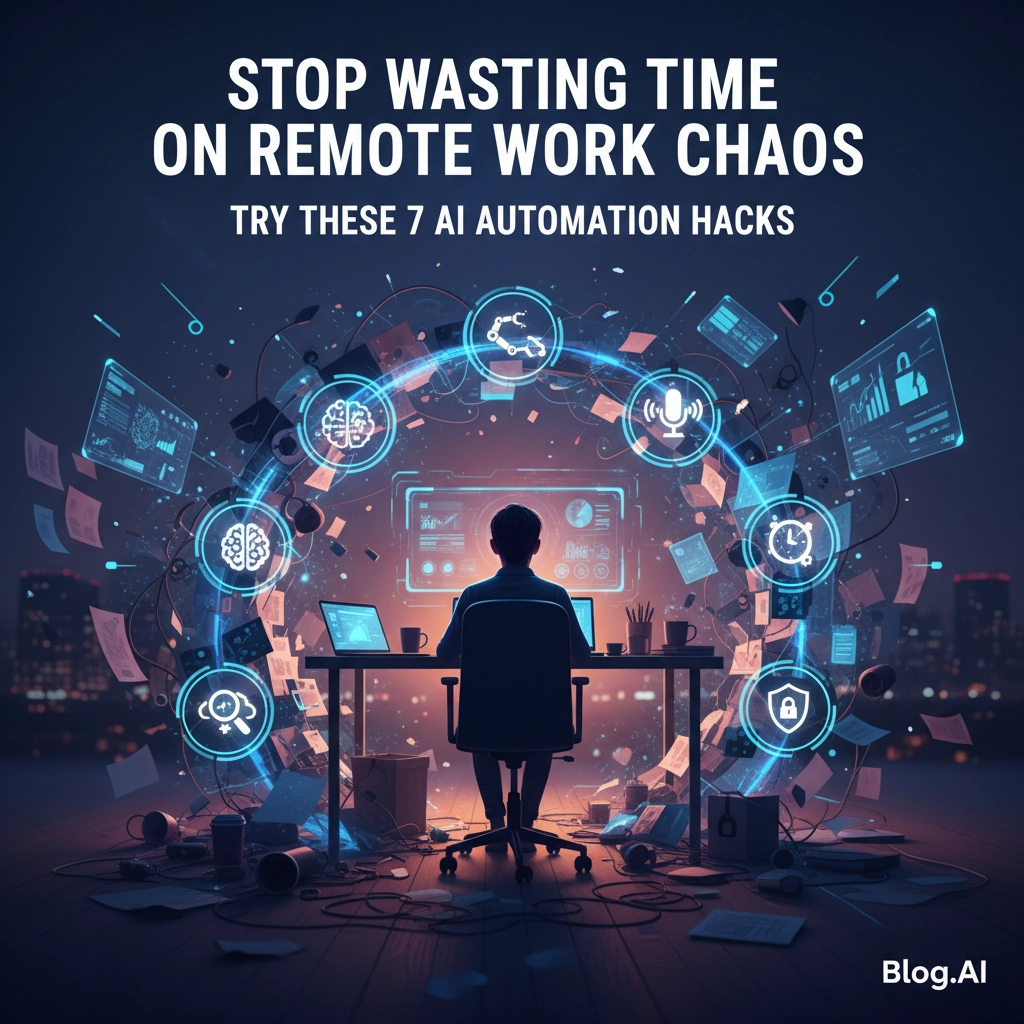
Ever feel like you're drowning in Slack notifications, missed deadlines, and endless Zoom calls that could've been emails? You're not alone. Remote work was supposed to make us more productive, but for many of us, it's created a whole new kind of chaos.
Here's the thing: while you've been manually juggling calendars and chasing down action items, AI has quietly become really good at handling this stuff for you. These aren't sci-fi promises: they're tools you can start using today to get your sanity back.
The Time-Sucking Reality of Remote Work
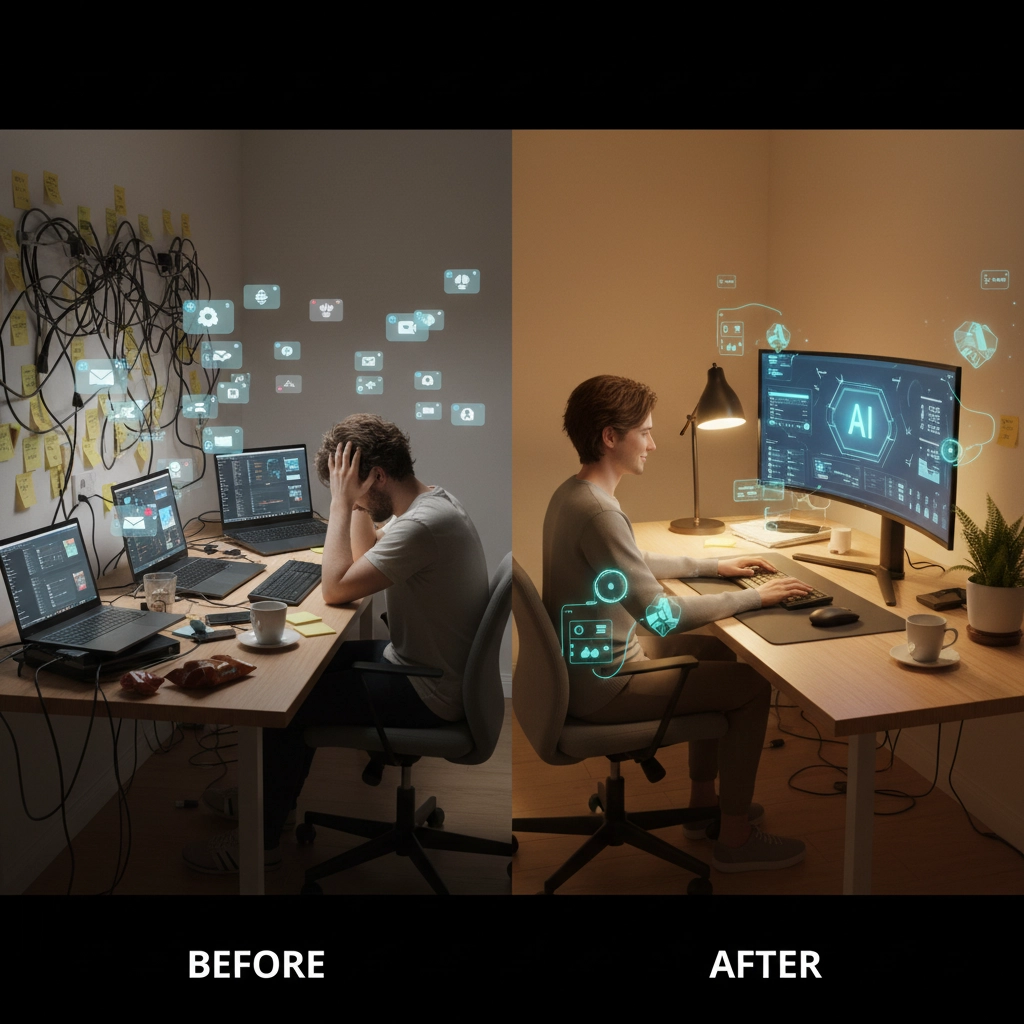
Sarah, a marketing manager at a tech startup, used to spend her first hour every morning just figuring out what needed to get done. She'd scroll through three different project management tools, check two Slack workspaces, and try to remember what was decided in yesterday's meetings. Sound familiar?
After implementing just two AI automation tools, Sarah reclaimed 90 minutes of her day. Not 90 minutes of busy work: 90 minutes of actual thinking time. Here's how she (and you) can do it.
Hack #1: Let AI Handle Your Calendar Chaos
Stop playing email tennis to schedule meetings. AI scheduling assistants like Calendly's smart features or Motion can automatically find meeting times that work across time zones, block off your focus time, and even reschedule when conflicts arise.
The magic happens when these tools learn your patterns. They'll automatically protect your most productive hours and suggest meeting times when you're naturally more collaborative. No more 6 AM calls because someone forgot about time zones.
Hack #2: Turn Meetings Into Automatic Action Items
This one's a game-changer. During your next team call, instead of frantically taking notes, let AI do the heavy lifting. Tools like Otter.ai or Notion AI can listen to your meetings, identify action items, and automatically assign them to the right people with deadlines.
Imagine someone says, "I'll send the budget proposal by Friday." The AI instantly creates a task, assigns it to them, sets the deadline, and syncs it with your project management system. No more "wait, who was supposed to do that?" moments.

Hack #3: Automate Your Entire Workflow Chains
Here's where it gets interesting. Instead of automating single tasks, you can automate entire workflows. One business owner was manually updating 12 different spreadsheets every week when new customers signed up.
Using tools like Zapier or Make, she connected everything: when someone makes a payment, it automatically triggers welcome emails, updates inventory, adds them to the customer database, and schedules follow-up sequences. What used to take 4 hours every Monday now runs itself.
Hack #4: Kill Repetitive Admin Tasks Forever
These are the productivity vampires that drain your energy:
• Data entry between different systems
• Email sorting and filing
• Invoice creation and tracking
• File organization and naming
• Status report generation
• Expense tracking and categorization
AI tools can handle all of these automatically. Zapier can move data between your apps, Gmail can auto-sort your emails, and tools like Expensify can scan receipts and categorize expenses without you touching them.

Hack #5: Make Team Collaboration Actually Smart
Remote collaboration doesn't have to feel like herding cats. AI-powered project management tools like Monday.com or Asana use predictive analytics to spot bottlenecks before they happen and automatically adjust timelines when things change.
They'll also summarize meeting notes, suggest next steps, and send smart reminders to team members. The AI learns your team's patterns and starts anticipating what you need before you realize you need it.
Hack #6: Stack Your AI Tools Strategically
The real power happens when you combine multiple AI tools that work together. Instead of using five separate tools that don't talk to each other, create a connected system:
Grammarly fixes your writing as you type, Notion AI organizes your notes and creates summaries, Trello automatically assigns tasks and sends reminders, and Figma uses AI to streamline design collaboration.
When these tools are connected, each automation makes the others more powerful. The more you automate, the faster everything else becomes.

Hack #7: Set Up Smart Communication Filters
Not every message needs your immediate attention, but figuring out what's urgent while working remotely is exhausting. AI can create smart filters that categorize your communications by priority.
Tools like SaneBox for email or Slack's AI features can learn what's actually important to you versus what can wait. They'll automatically sort messages, highlight urgent items, and even draft responses for routine questions.
The result? You check messages when you want to, not every time your phone buzzes.
The Real Numbers Behind AI Automation
Remote workers already save about 62 hours annually just from fewer workplace distractions. They spend 22% more time on deep work compared to office workers. When you add AI automation on top of that advantage, you're looking at getting back 10-15 hours per week.
But here's the real win: it's not just about time. It's about mental energy. When AI handles the administrative chaos, you can actually think about strategy, creativity, and the work that matters. The constant mental burden of remembering, organizing, and coordinating gets lighter.

Start Small, Think Big
You don't need to automate everything overnight. Pick the one thing that annoys you most about remote work: maybe it's scheduling, maybe it's keeping track of tasks, maybe it's email overload. Find one AI tool that handles that specific problem and start there.
Once you see how much time and mental energy that saves, you'll naturally want to automate more. The compound effect is real: each automation makes the next one easier to implement and more powerful.
Remote work doesn't have to feel chaotic. With the right AI tools handling the busy work, you can focus on what you were actually hired to do. The technology is here, it's affordable, and it works.
What's the one remote work task that drives you most crazy, and what would you do with an extra hour every day if AI could handle it for you?